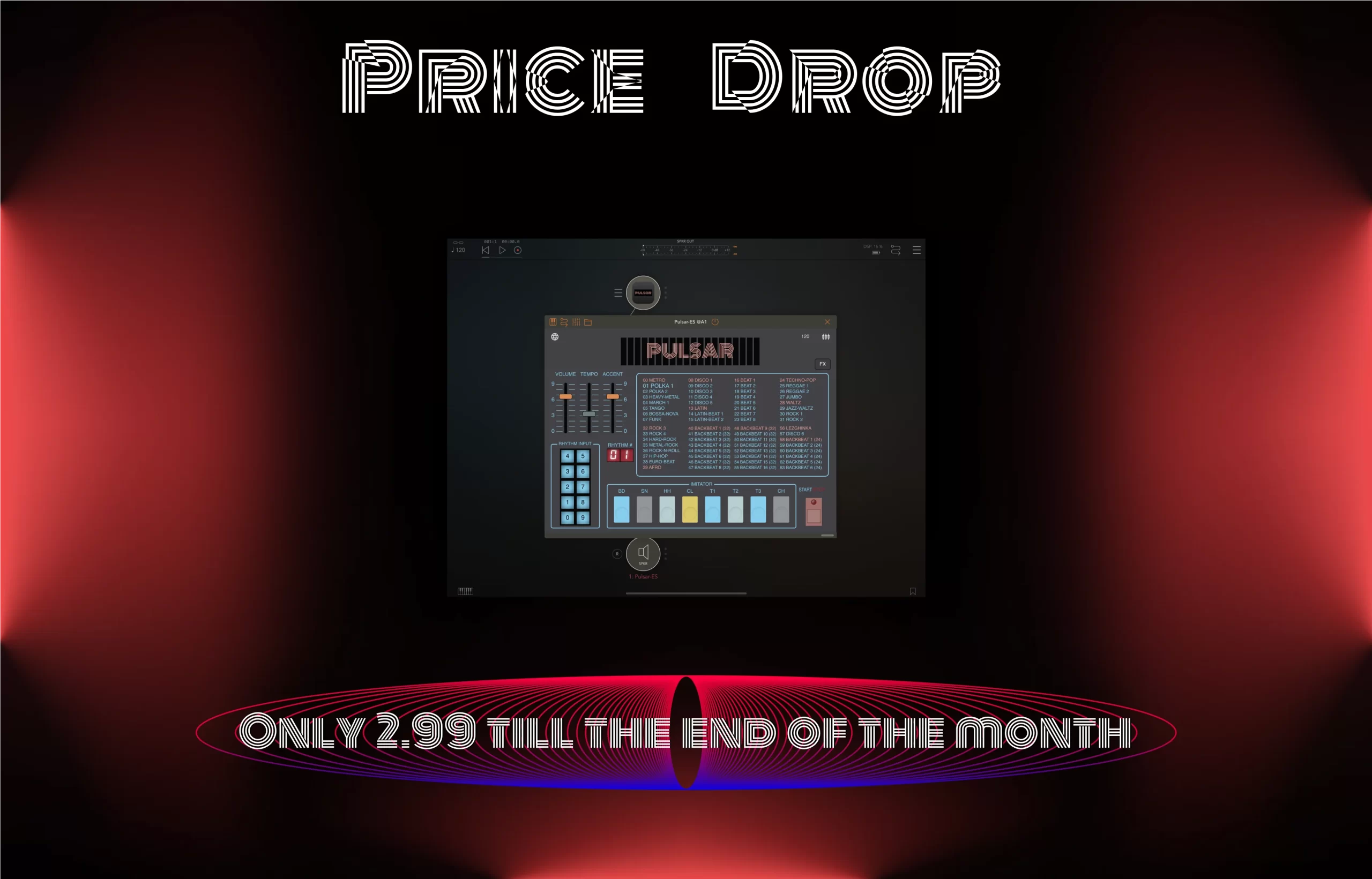
Hey fellow audio enthusiasts! Are you ready to take your drum tracks to industrial atmosphere? Today, we’re diving into three effects of Pulsar-ES(iOS preset drum machine): Noise, Reverb, and Filter!
Drive FX: Adding a touch of noise to Pulsar’s drum presets can inject character and vintage into your tracks. Whether you’re aiming for a vintage vibe or just want to add some grit, the Noise FX can help you achieve that steel, metal, erosion feel. Crank up and right knobs(Drive, Tone, Noise) for a fully industrial effect in your percussion. Experiment with different position on knobs to find the perfect match for your style
Reverb FX: Imagine your drums sounding like they’re being played in a massive plant hall. That’s where the Reverb FX of Pulsar-ES comes in! It adds depth and spaciousness to your beats. Just use knob “Mix” for changing reverb parameters to control the ambiance of your drums.
Filter FX: You get max lo-fi and cozy using the Filter FX. This effect lets you shape the frequency content of your drums, allowing you to emphasize or attenuate specific elements. Want your hi-hat to have a high sound? Apply “Res” knob. Looking to add warmth to your kick and toms? Decrease parameters on “Freq” knob.
Remember, best to using these effects of Pulsar-ES lies in experimentation. Go to check the Drive, Reverb, Filter – combine effects, and listen closely to how each parameter changes the sound in old-school drum machine way. Don’t be afraid to push the boundaries and create something unusual.
Kindly visit AppStore for checking the iOS version of preset drum machine: Pulsar-ES by TripleTech, and keep an eye out as we’re gearing up to launch the VST version(Virtual Studio Technology) of this rare preset drum machine for desktop users. Stay connected for updates!